How does Brain Training work, and how do you play each mini-game?
Brain Training gives you four short mini-games a day — one each for memory, speed, attention and logic — picked from 18. Finish all four to grow your streak. You can let the app choose or pick your own four, and difficulty adjusts to how well you did.
The daily session
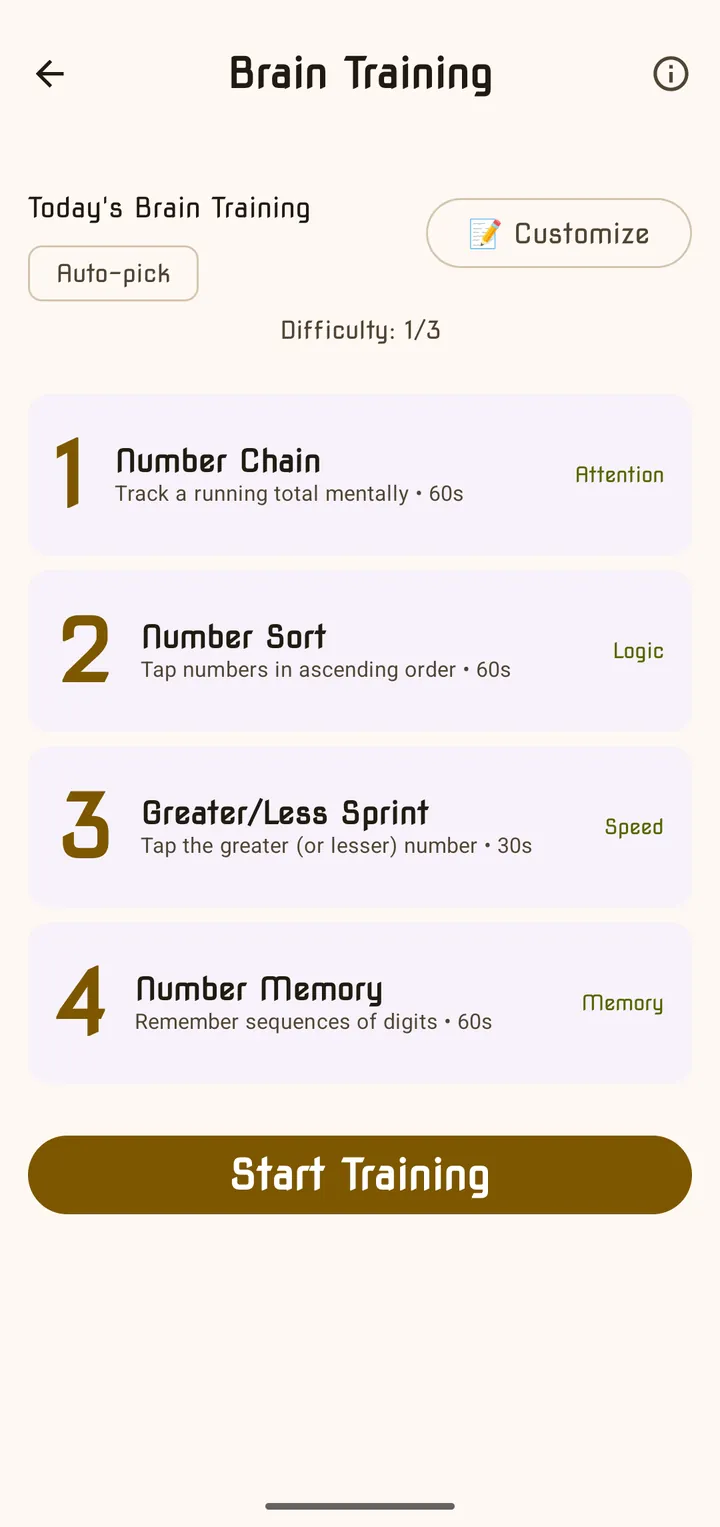
- Open Brain Training from the Dailies row or the mode list. “Today’s Brain Training” shows your four games, their time limits, today’s Difficulty and whether they are Auto-pick or Your 4.
- Tap Start Training. Each game runs against its own clock; after each one you see your score and your best, then Next Game.
- After the fourth, See Results shows your total score, your streak and a card per game, with buttons to share, view your history or customise your games.
“Difficulty adjusts automatically based on your performance.” Do very well and the next session is harder; struggle and it gets easier. Each result is also rated from one to five stars.
Streak multiplier. In several games, answering correctly in a row raises a ×2, ×3, ×4 badge that multiplies your points. A mistake only resets the multiplier — you never lose points you already earned.
Every mini-game has an ⓘ button with its own “How to play”. Here is each one in plain words.
Memory games
| Game | Time | How to play |
|---|---|---|
| Number Memory | 60s | A row of digits appears for a moment — “Remember this:”. Then type it back. Get it right and the next one is a digit longer; get it wrong and it goes back to the starting length. Your score is your longest correct sequence. |
| N-Back | 60s | Digits appear one at a time. Tap MATCH when the digit on screen is the same as the one shown N steps before (1-Back, 2-Back or 3-Back, depending on difficulty). Don’t tap when it isn’t. |
| Mental Map | 60s | Numbers flash on a grid — “Memorize the positions”. When they disappear you’re asked “Where was 7?” — tap the cell it was in. |
| Oware | 60s | A row of pits holds seeds. “Sow pit N”: lift all its seeds and drop them one at a time into each pit to the right, wrapping round. Work it out in your head, then tap the pit that ends up fullest. |
Speed games
| Game | Time | How to play |
|---|---|---|
| Speed Solve | 60s | A sum appears. Type the answer on the number pad and tap ✓ — use ± for negative answers. A wrong answer just flashes; try again. Harder levels bring bigger numbers, times tables and division. |
| Greater/Less Sprint | 30s | Two numbers. The header says “Tap the GREATER number” or “Tap the LESSER number” — and it switches every few rounds, so keep reading it. |
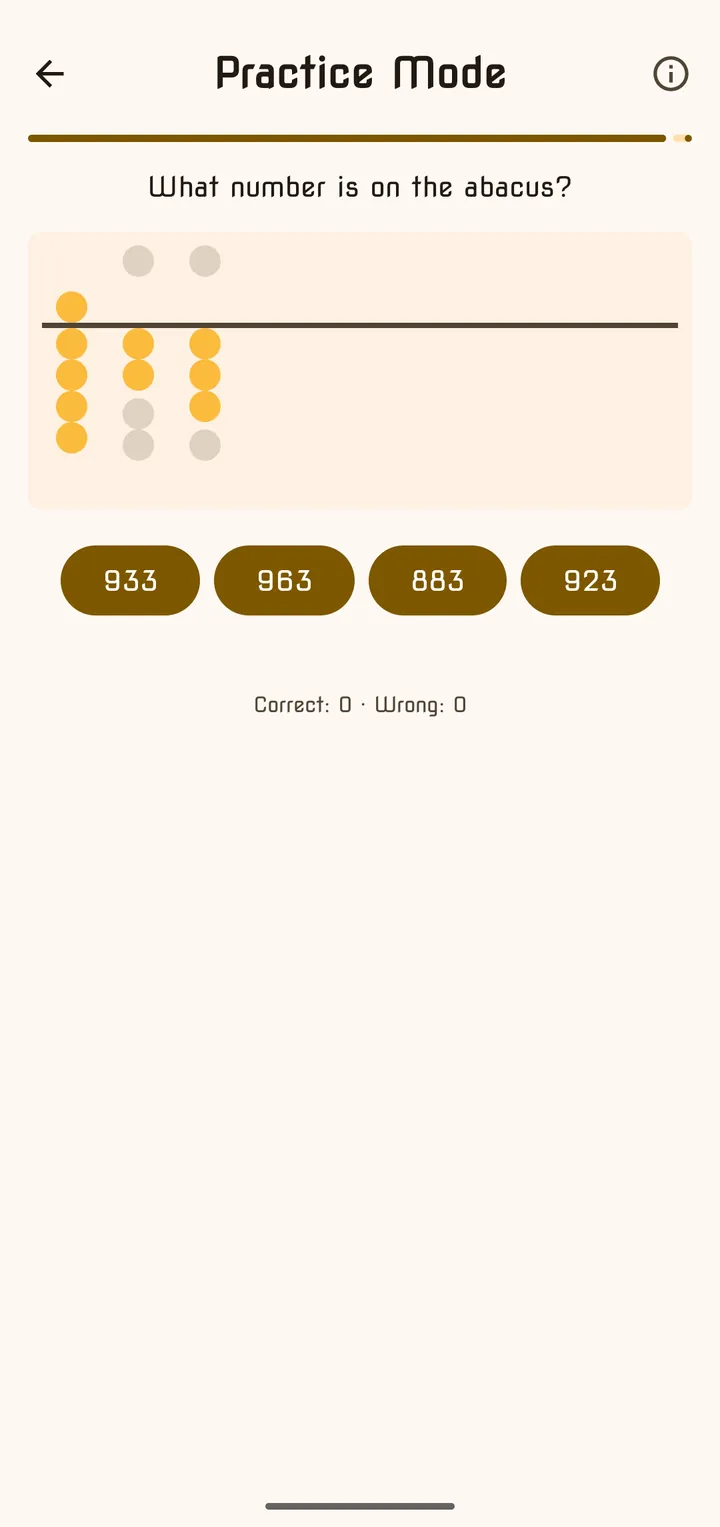
| Soroban | 45s | Read the abacus. Each rod has one upper bead worth 5 and four lower beads worth 1; only beads pushed towards the middle bar count. Tap the matching number from the four choices. |
Attention games
| Game | Time | How to play |
|---|---|---|
| Number Chain | 60s | ”Start with:” a number, then steps like +5, −6 or ×3 appear one at a time — “Track the total:”. At the end, “What’s the final result?” — type it in. |
| Sum Snap | 60s | A 4×4 grid of numbers. “Find pairs that sum to” the target: tap two numbers that add up to it. Found pairs are replaced with new numbers. |
| Digit Cross | 45s | A number and a question such as “Is this number EVEN?” or “Is this number > 50?”. Tap YES or NO. At the hardest level you also get “divisible by 3” and “prime”. |
| FizzBuzz Reflex | 60s | Numbers appear one after another. Tap FIZZ if it divides by 3, BUZZ if by 5, FIZZBUZZ if by both — and do nothing if neither. It speeds up as you score. At the hardest level a BIZZ button appears for numbers that divide by 7. |
| Number Stroop | 60s | A digit and a number word appear together, like “4 five”. The header says “Tap the digit” or “Tap the word” — tap the matching number below. The rule switches, so stay alert. |
Logic games
| Game | Time | How to play |
|---|---|---|
| Number Sort | 60s | ”Tap in ascending order” — tap the cards from smallest to largest. A wrong tap just flashes. |
| Estimation Station | 30s | ”Which is closer to 58 × 16?” Two rounded answers — tap the one nearer the real result. No exact maths needed. |
| Missing Number | 60s | Fill the blank in an equation like ”_ + 7 = 15” or “4 × _ = 36”, or in a short evenly-spaced sequence. Type it in. |
| Quick Equations | 60s | Reach the target using the four number cards. Tap a card, an operator (+ − × ÷), then another card to merge them; keep going until one card equals the target. Reset starts the puzzle again, Skip moves on. |
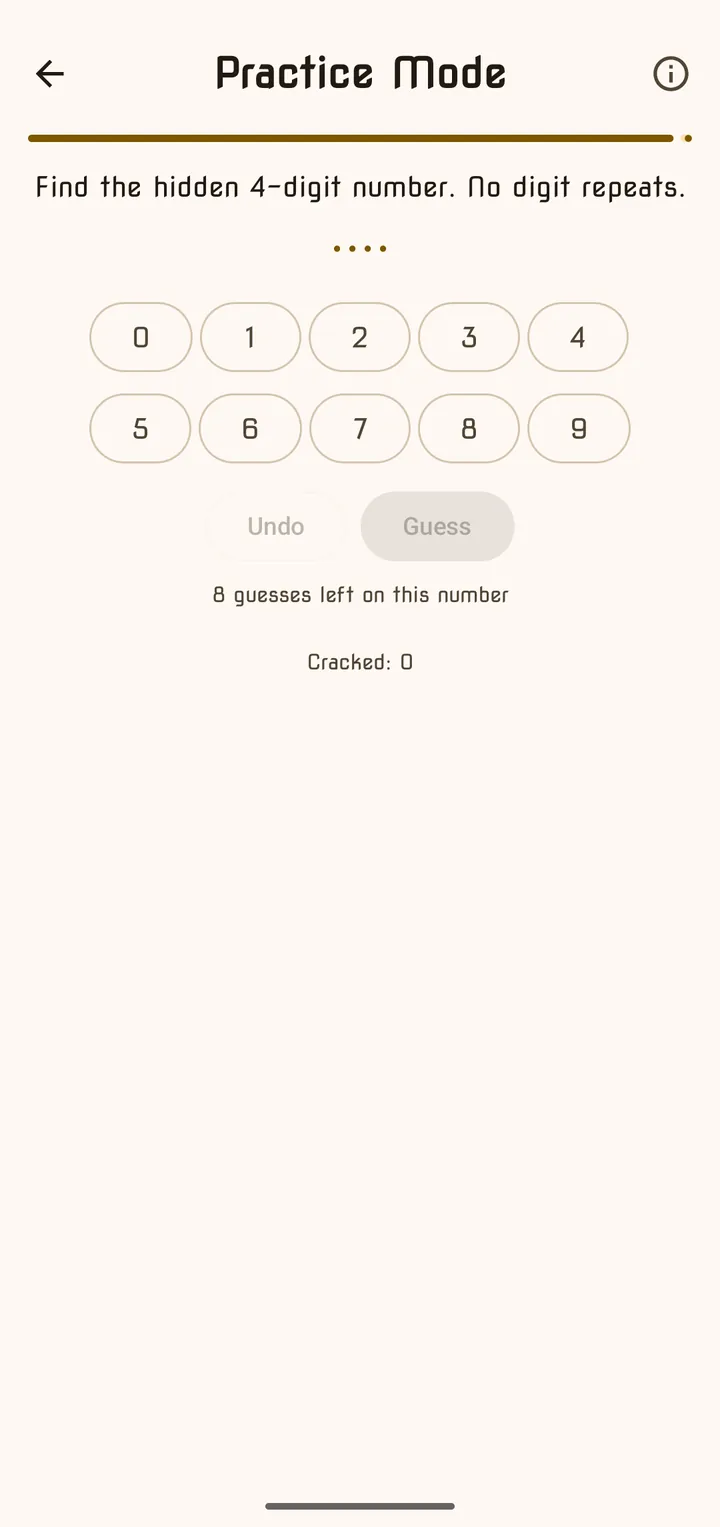
| Bulls & Cows | 60s | Find the hidden 3- or 4-digit number — no digit repeats. Each guess tells you how many digits are right and in place, and how many are right but misplaced. |
| Nim | 60s | A pile of stones. Take turns with the app: take 1 to 3 (or 1 to 4) stones each turn. Whoever takes the last stone wins. The opponent plays perfectly — “there is a rule to find”. |
Choosing your own four
Tap 📝 Customize on the Brain Training screen (or Settings → Game → Customize daily games). Games are grouped by Memory, Speed, Attention and Logic, each with an ⓘ and your personal best.
| Button | What it does |
|---|---|
| Save (n/4) | Saves once exactly four different games are picked |
| 🎲 Random Mix | Picks one random game from each group |
| Reset to Auto-Pick | Clears your picks — the app picks four for you each day |
Frequently asked questions
- Can I play Brain Training more than once a day?
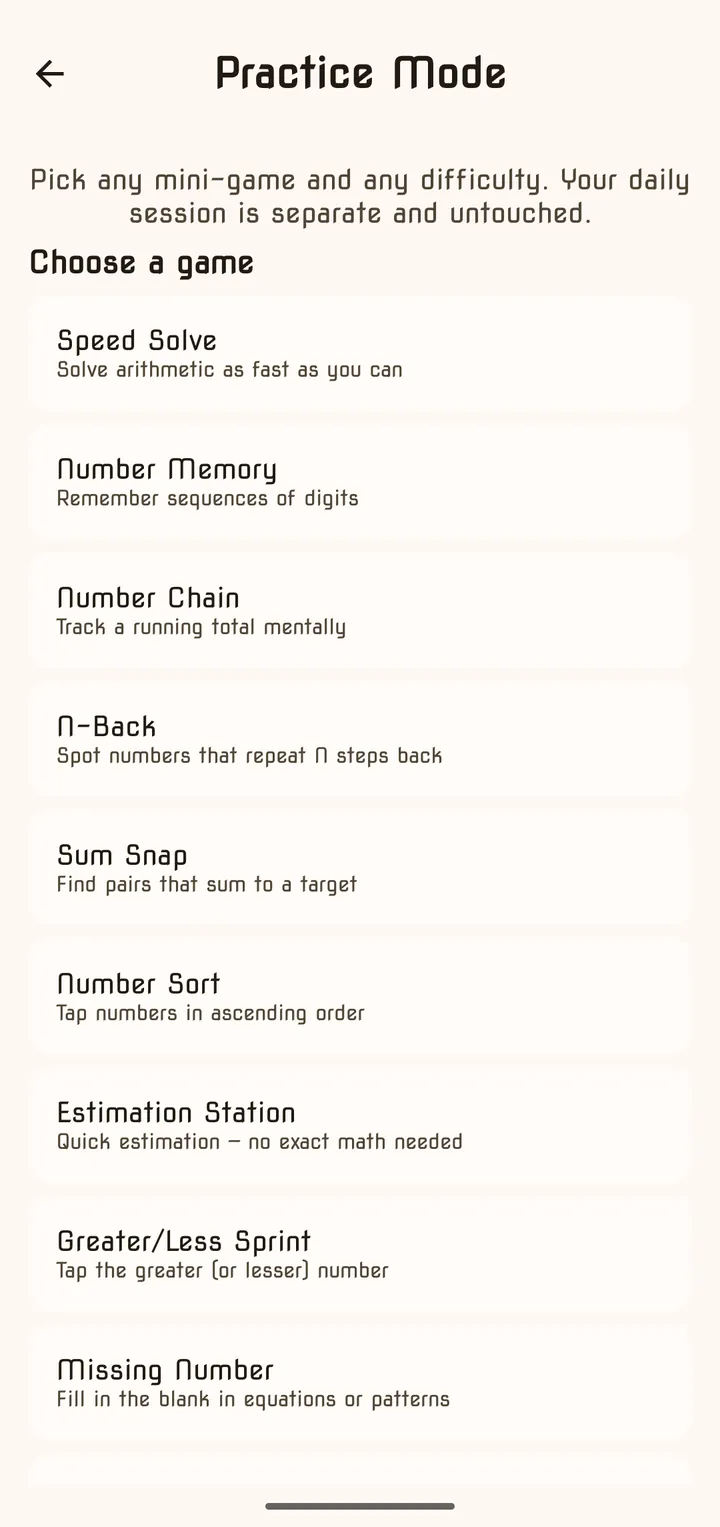
- The daily session counts once a day. Afterwards the Brain Training card offers Practice, where you can replay any mini-game at any difficulty — one practice session a day, or unlimited with Premium. Practice never affects your streak, best scores or leaderboards.
- What happens if I leave in the middle of a session?
- The app asks "Quit Training?" — your progress in that session will be lost, so you would start the four games again.
- How do I choose my own four games?
- Tap Customize on the Brain Training screen, or go to Settings → Game → Customize daily games. Pick exactly four and tap Save. Your picks play every day in random order; Reset to Auto-Pick goes back to the app's choice.
- Can I get a reminder?
- Yes — turn on Brain Training Reminder in Settings → Notifications. It only reminds you if you haven't trained that day.
Last updated