How do you get around Number Series?
Number Series has three tabs along the bottom — Play, Progress and Friends. Play is where every game lives, with the Dailies row at the top and filters to find a mode for your mood; Progress shows your stats and rewards; Friends is for playing with people you know.
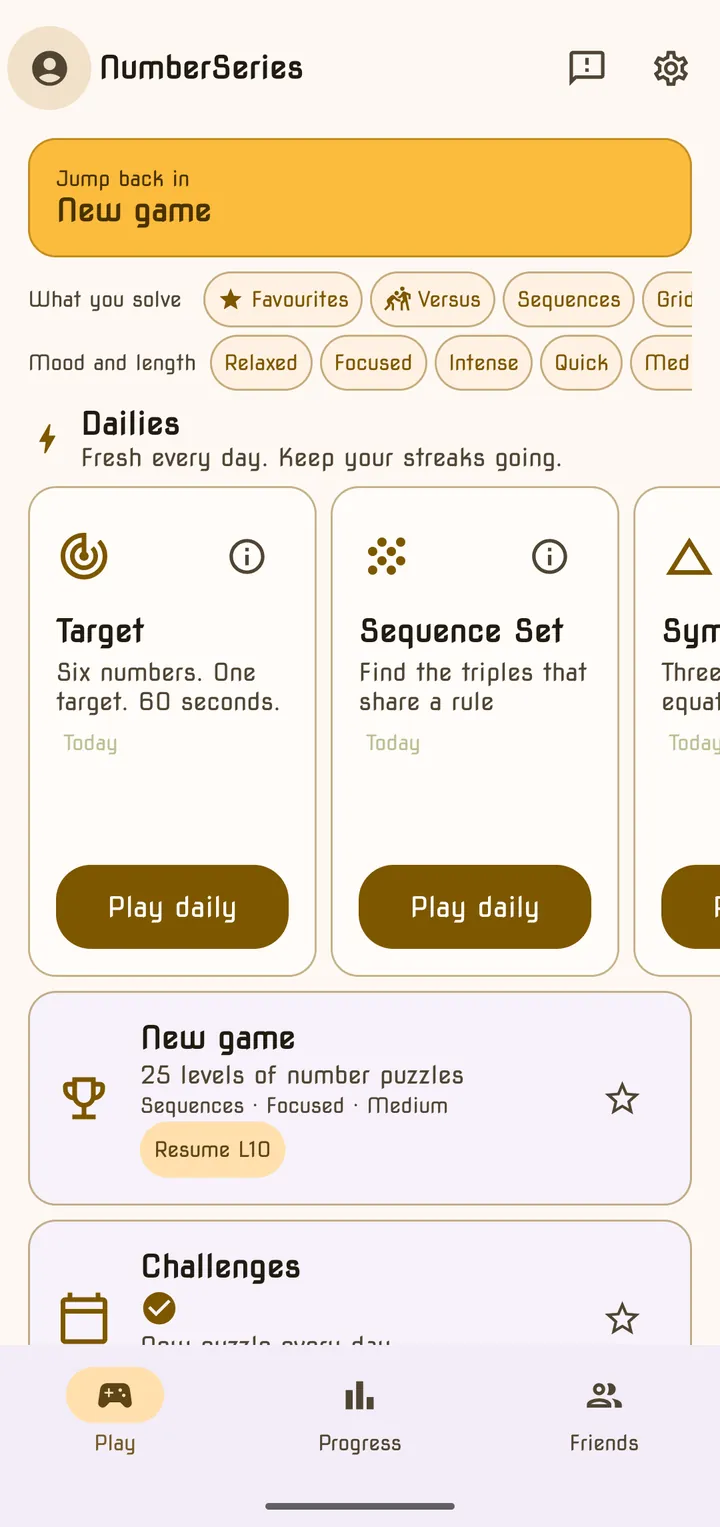
The three tabs
| Tab | What you find there |
|---|---|
| Play | The Dailies row, then every game mode as a card |
| Progress | Your rank and level, the cognitive profile chart, trophies, your Wrap and per-mode stats |
| Friends | Friends, challenges, shared streaks and “Today among friends” — needs a Google sign-in |
Along the top you will also see your avatar (opens your Profile), a Send Feedback button and the Settings gear.
The Dailies row
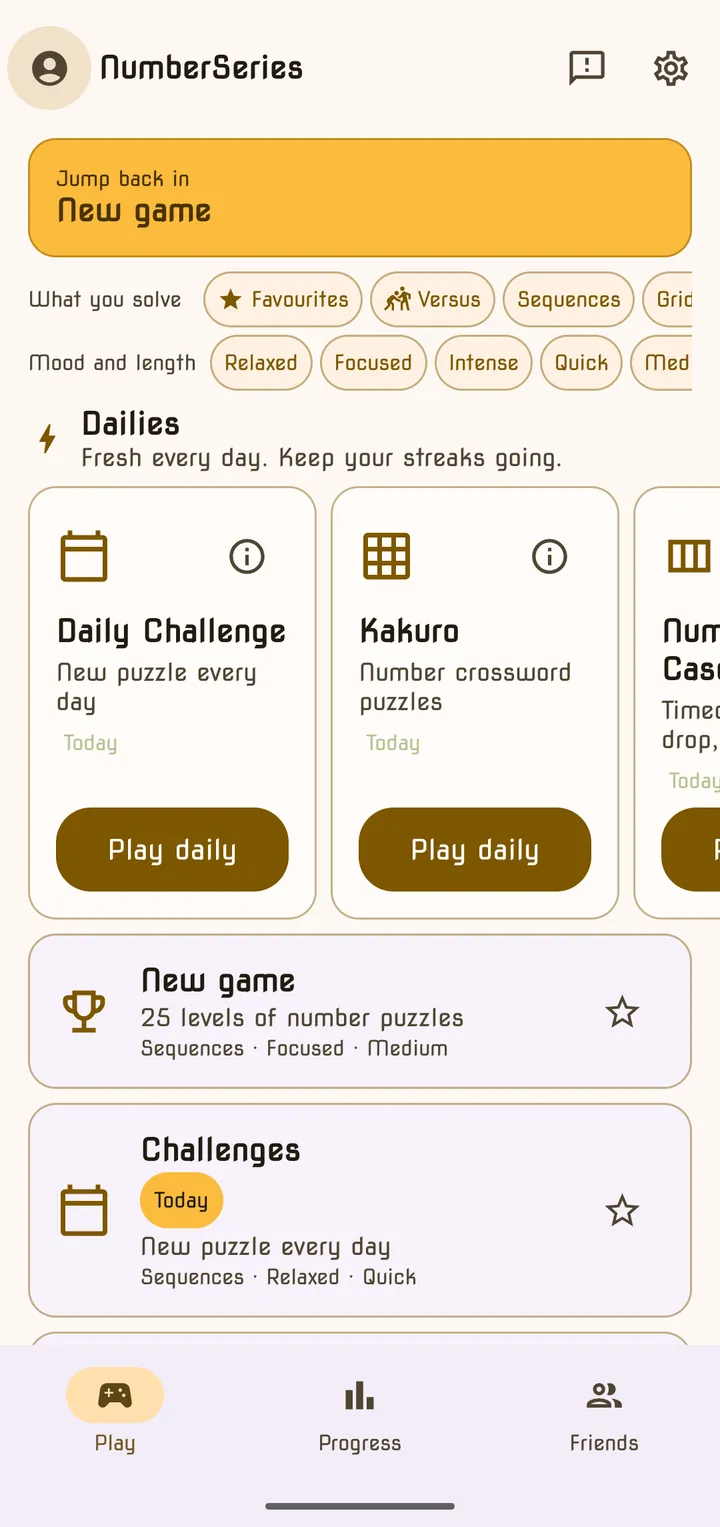
At the top of the Play tab, Dailies — “Fresh every day. Keep your streaks going.” — holds the games that give you a new puzzle every day: Daily Challenge, Kakuro, Number Cascade, Brain Training and the five Quick Dailies. On a phone, swipe the row sideways to see them all.
Each card shows your streak (🔥) and a tick once today’s puzzle is done. The button changes after you play: a finished Quick Daily offers Endless for extra rounds, Kakuro and Number Cascade offer Practice, and Brain Training offers Practice. The ⓘ button on a card opens its rules.
Finding a game: filters and favourites
Every mode card carries a line like “Sequences · Focused · Medium”. You can filter by any of it:
| Filter row | Chips |
|---|---|
| What you solve | Favourites · Versus · Sequences · Grids · Arcade · Brain |
| Mood and length | Relaxed · Focused · Intense · Quick · Medium · Endless |
The moods mean:
- Relaxed — no way to fail and no clock.
- Focused — either lives (or health) or a soft clock, but not both.
- Intense — a hard countdown and a penalty for mistakes.
Chips in the same row widen the list (Grids or Arcade); chips in different rows narrow it (Grids and Quick). Versus shows the modes you play against other people. Tap the ☆ on any card to make it a favourite — favourites always float to the top.
Your first puzzle
The very first time you play, the app shows you “Here’s how it works” with a worked example, and your first puzzle can’t be lost — if you get stuck, it nudges you and then shows the answer. Every mode also opens with a short tutorial the first time; tick Don’t show again to skip it next time, or bring them all back from Settings → Game → Reset Game Tutorials.
Frequently asked questions
- Why did the Dailies row disappear?
- The Dailies row is hidden while a filter is switched on. Tap Clear at the start of the filter row, or turn the filter off, to bring it back.
- Do my filters stay on next time?
- No. Filters reset each time you come back to the Play tab. Favourites are saved, though — starred modes always stay at the top of the list.
- What is "Jump back in"?
- It is a shortcut to the last mode you played, shown at the top of the Play tab. For Kakuro and Number Cascade it remembers whether you were playing the daily or practice.
Last updated